
Your CRYA account center.
Sign in, check your products, recover access, restore purchases, manage privacy choices, and reach the right help without hunting through the site.
 Secure access
 Apps in one place
 Billing help
Sign in to CRYA
Open the protected console when you manage groups, apps, billing, or advanced account settings.
My apps
Find the CRYA products connected to you: Home, Bot, Owner/Admin App, CyberK, Worker, Toolkit, and Grow Game.
Premium and billing
Check plans, store access, restore-purchase help, and billing support from the official CRYA paths.
Recover access
If login, Telegram, group ownership, or app access feels wrong, start here before guessing.
Privacy choices
Read what users can request, what belongs to account support, and how privacy choices are handled.
Delete account
Start a careful account or app-data deletion request with the right identification details.
What should an account page do?
This page is for real user actions, not a blog post. It tells users where to sign in, what products belong to CRYA, where purchases and restores live, and what to do when access fails.
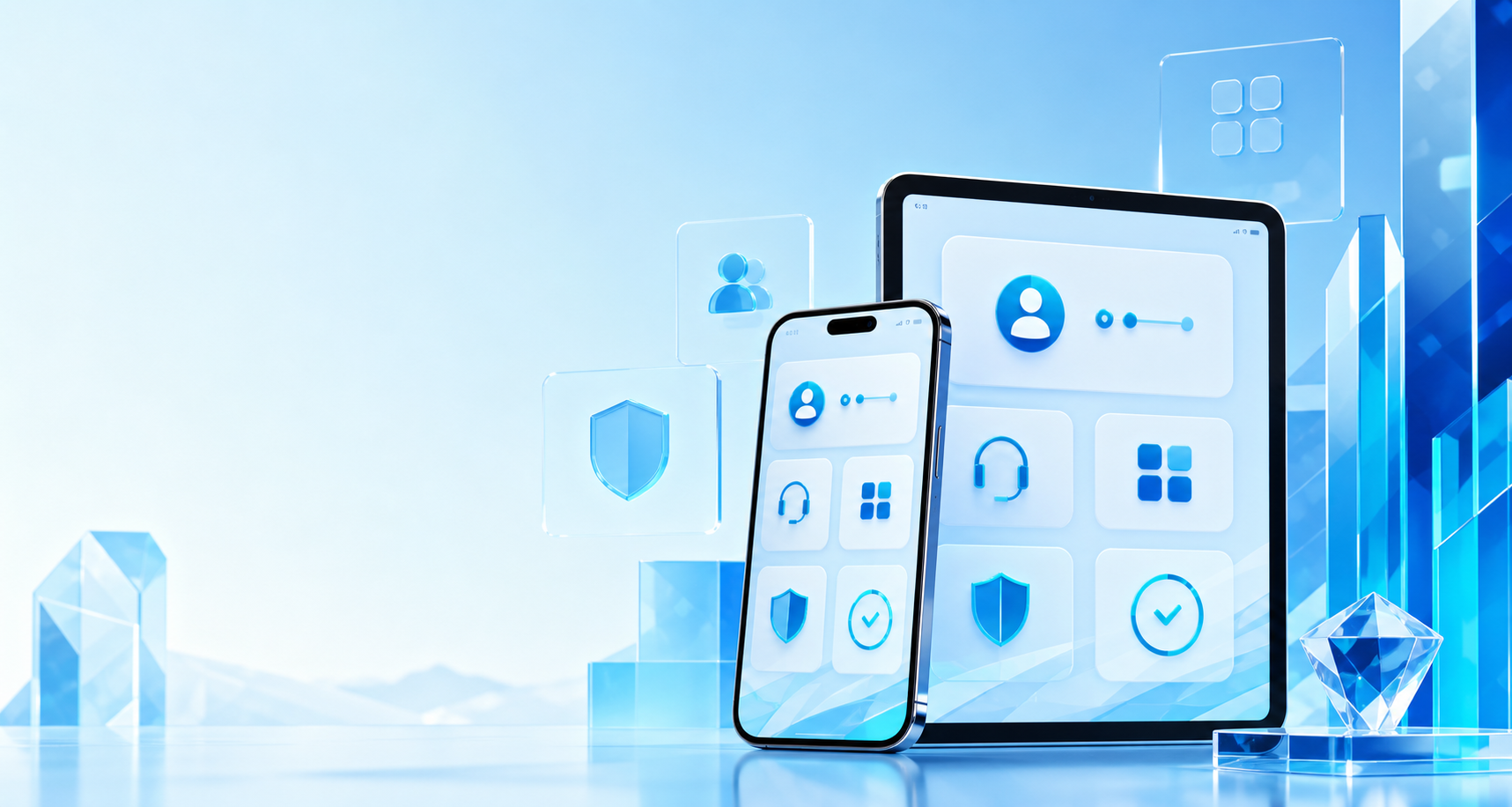
Your products, without confusion.
The account hub keeps product discovery, help, privacy, billing, and protected sign-in together so users do not need to know how CRYA is built.
Home App Bot
Bot Owner/Admin
 CyberK
 Worker
 Toolkit
Before you subscribe
Review Plans and Store so you understand what is available before checkout.
After you subscribe
Use Account and Support for restore-purchase help, premium access questions, or device changes.
If something looks wrong
Check Status first, then open Support with the product name and account context.
Clear next step.
Choose the action that matches what you are trying to do right now. If you own or manage CRYA groups, use Console Login. If you are a normal app user, start with Support, Store, Plans, Privacy, or Delete Account.